
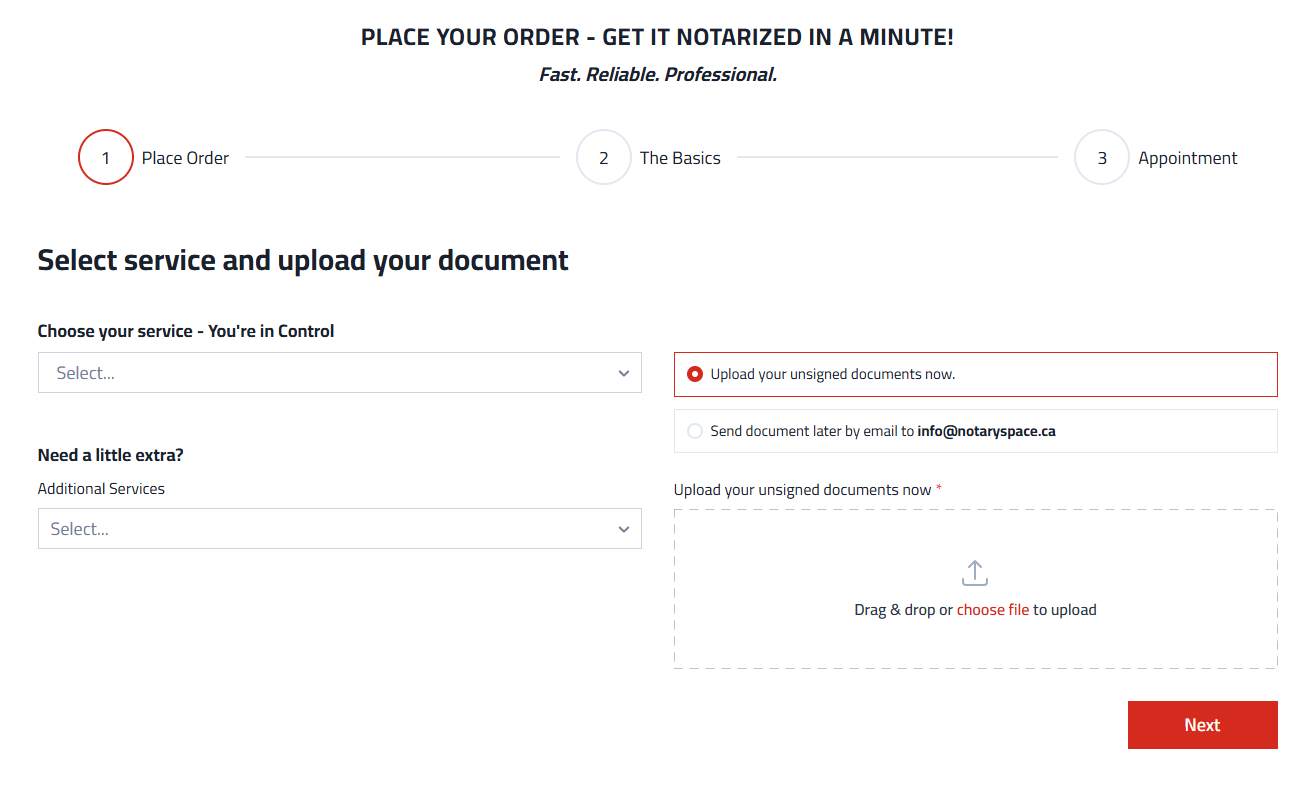
STEP 01
Choose your service
Open the booking application and select the type of notarial assistance you need.
NOTARYSPACE · REMOTE DOCUMENT SERVICES
Professional assistance with eligible documents, from wherever you are. Request an online appointment, confirm your document is suitable for remote service and receive clear instructions before signing.
Eligibility depends on the document, receiving organization and applicable requirements.
Start online and let our office guide you through the next steps.
FOUR SIMPLE STEPS
Follow the steps below to request service. The final process depends on the document and its intended use.
Open the booking application and select the type of notarial assistance you need.

Describe the document and follow the instructions for providing information for review.

Our office will confirm suitability, identification requirements and the appointment process.
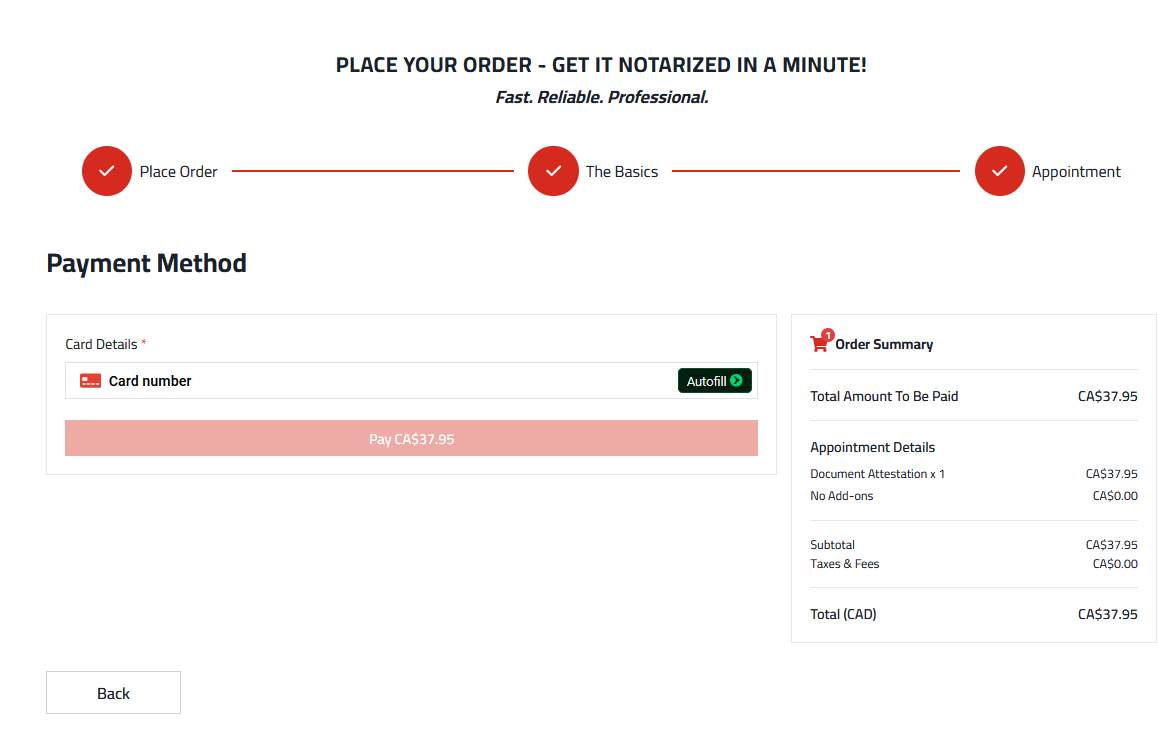
Follow the instructions for identity verification, signing and receiving the completed document.
BEFORE YOU BOOK
Have the complete document ready. Do not sign in advance if your signature must be witnessed.
Be prepared to show acceptable government-issued identification as instructed by our office.
Check whether the organization receiving the document accepts remote notarization or commissioning.
QUESTIONS ANSWERED
Certified true copies are not offered online. Other documents may also require an in-person appointment.
No. Suitability depends on the document, the applicable legal requirements and the receiving organization. Our office can review your request before confirming service.
Do not sign in advance if the document requires a witnessed signature. Follow the instructions provided for your particular service.
Acceptance is determined by the receiving authority. Confirm its requirements in advance, especially for international use.
Use the Request Online Service button to start your booking request, or email our office with a description of your document.
READY TO GET STARTED?
We will help you determine the appropriate next step for your document.